Live Radar Map Comparison: Weather, Flight, Marine, and Traffic Layers Side by Side
Open four browser tabs and you get four different pictures of the same city. In one, a green smear crawls across the river. In another, an airliner at 34,000 feet cuts a diagonal line overhead. A third shows a ferry idling near the pier, and a fourth has a red segment on the ring road where a truck has stopped. All four call themselves live radar maps. None of them measures the same thing, and that is the first thing worth understanding before you pick one for a real decision.
The Four "Live Radars" Are Not the Same Instrument
Only one of these layers is radar in the strict sense. Weather radar sends out radio pulses and listens for what bounces back from rain, hail and, sometimes, insects and dust. The image you see is a measurement of reflectivity, not a photograph of clouds.
Flight tracking relies on ADS-B: transponders on aircraft broadcasting position, altitude and speed, picked up by ground receivers and satellites. Marine layers use AIS, a VHF radio system that ships use to announce who they are, where they are going and how fast. Traffic layers are the loosest category of all, mixing loop detectors, cameras, agency incident feeds and anonymised movement data from phones in cars.
That difference matters in practice. It tells you how often each layer refreshes, where it goes blind, and how much you should trust it when something looks wrong.
Weather Radar: Read the Timestamp Before the Colors
A weather radar loop is seductive. The animation moves, the colors pulse, and it feels like you are watching the sky itself. You are not. You are watching a sequence of volume scans that a radar site completes every few minutes, coloured by intensity thresholds that vary between providers.
Two habits will keep you out of trouble. First, find the timestamp on the frame and check it against your clock. A loop that ends twenty minutes ago can still look alarming and completely miss the storm that is about to arrive. Second, know which product you are looking at.
- Base reflectivity from a single site gives fine local detail but fades with distance and can be blocked by terrain.
- Composite reflectivity stitches many sites together for a regional view, at the cost of some local precision.
- Storm-relative velocity helps identify rotation, but it demands practice and is easy to misread without training.
- Echo tops and lightning layers add context about storm height and activity, and are best used alongside reflectivity rather than instead of it.
For a quick decision, such as whether to move a barbecue indoors in the next half hour, a single nearby site with a fresh timestamp beats a beautiful national mosaic every time. Watch the trend over three or four frames rather than one dramatic still.
Flight Tracking: Altitude Tells You More Than the Little Plane Icon
Aviation layers are excellent for context and poor for promises. A plane icon on a map shows where an aircraft reported itself moments ago, usually with altitude, groundspeed and heading attached. If you are waiting to collect someone, the altitude field is more useful than the icon: an aircraft descending through 6,000 feet on approach is a different situation from one holding at 15,000.
Be aware of the gaps. ADS-B reception depends on receivers on the ground and in orbit, so aircraft close to the ground, in valleys or behind terrain can drop off the map. Some flights are not broadcast publicly at all. A plane that vanishes near an airport has usually just landed, not disappeared.
Treat the layer as a situational picture, not a timetable. Airline schedules, airport websites and official delay notices remain the source of truth for arrival times, and the tracking map will not explain a closed runway or a crew change.
Marine Layers: AIS Is Not a Substitute for Looking Out the Window
AIS shows commercial traffic, ferries, tugs and many leisure vessels, complete with names, destinations and speed. It is genuinely useful for understanding who is moving where in a harbour approach or a busy strait. It also has a blind spot the size of every small boat that does not carry a transponder.
Range is another limit. AIS is VHF, so it behaves roughly like line of sight: hills, headlands and buildings get in the way. Combined with a chart layer, tide information and a weather radar overlay for squalls, it becomes a decent planning tool for a day on the water.
For anything safety-critical, the live map is background information. Onboard instruments, official notices to mariners and your own eyes take priority, and local training or a conversation with an experienced skipper is worth more than any web layer.
Traffic Layers: Flow Colors Hide the Details That Ruin a Drive
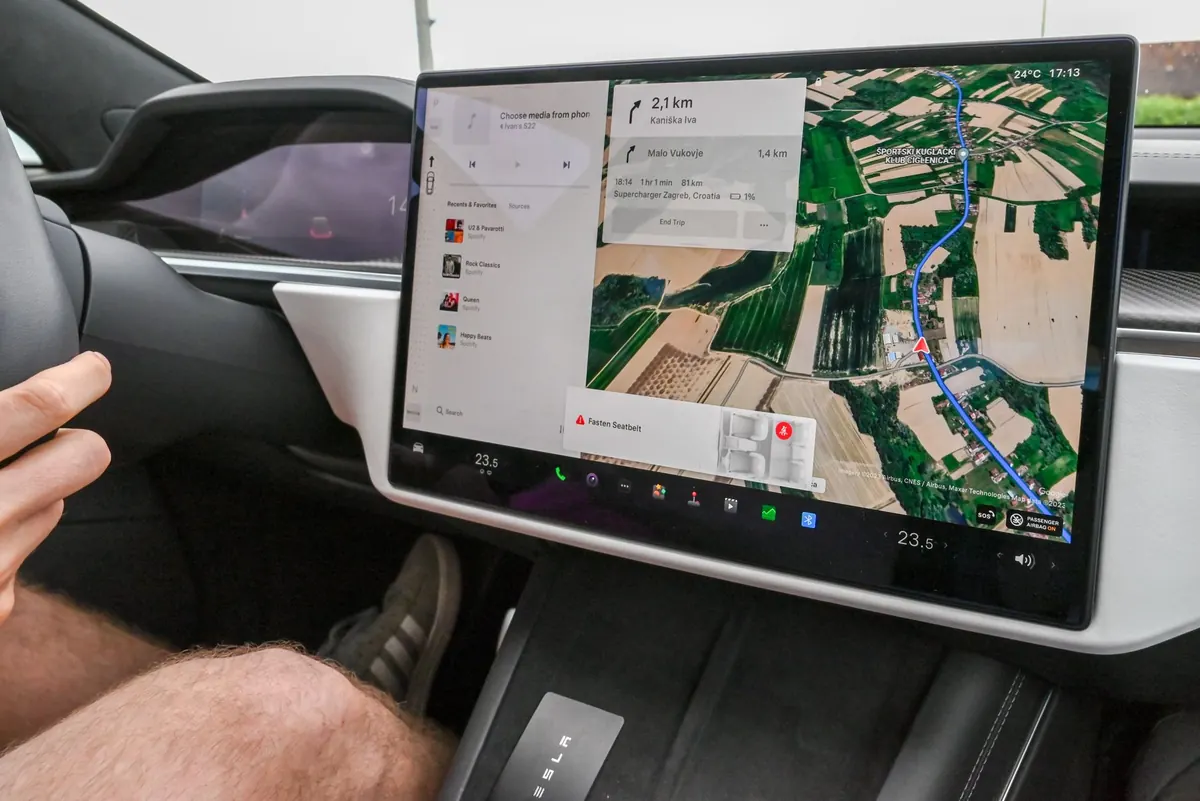
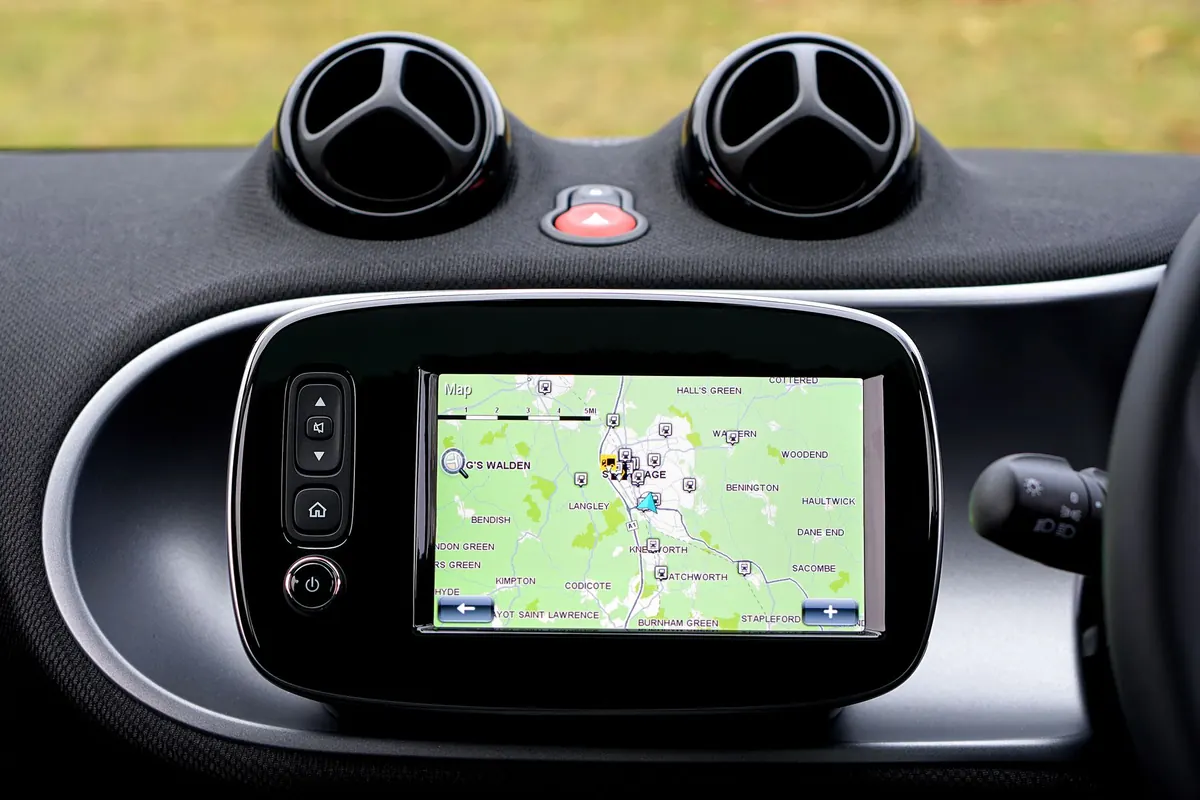
Road traffic maps usually combine two things: a colour-coded flow layer showing how fast vehicles are moving, and icons for incidents, roadworks and closures. The flow layer is good at answering "is the motorway moving?" and bad at answering "will I get off at junction 14?"
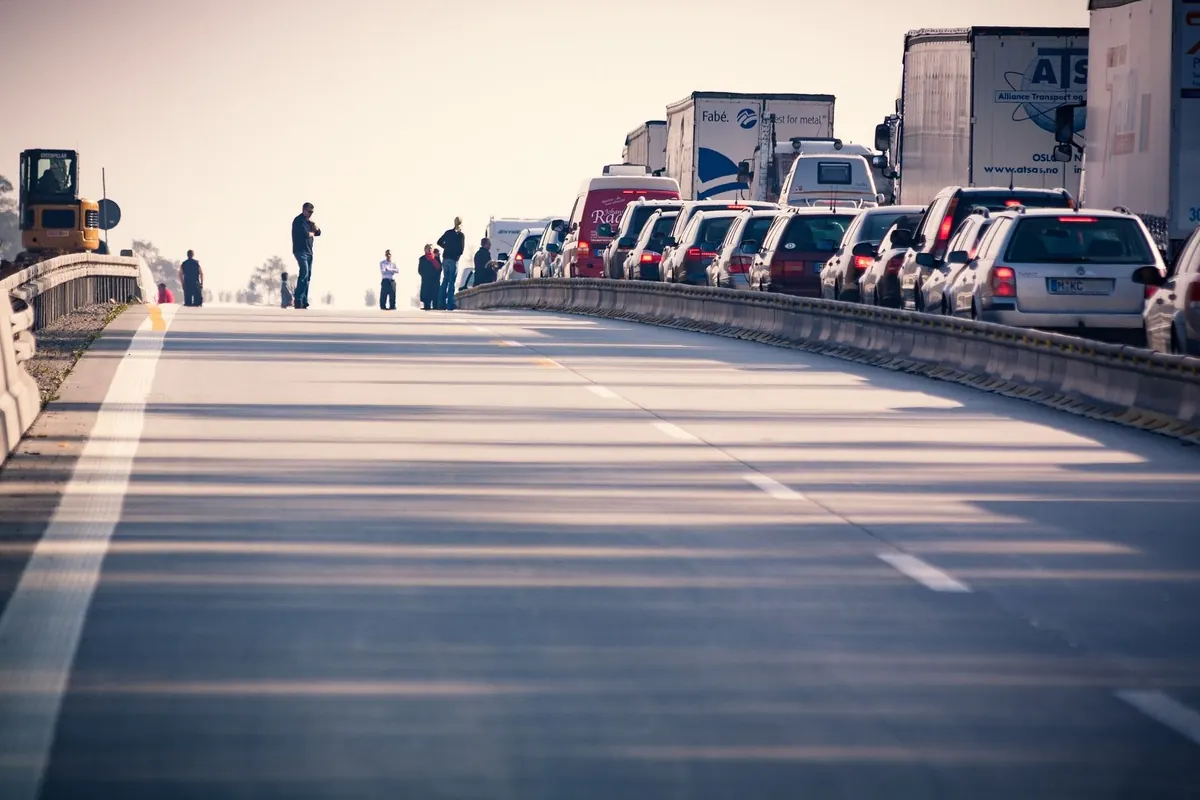
Incident icons are only as current as the agency feeding them, and crowd-sourced reports can be minutes ahead of official ones or simply wrong. Cameras are the most honest layer when they are available, because a still image of a stationary queue does not need interpretation.
Before a long drive, compare two independent sources, check the timestamp on any incident, and give yourself a buffer rather than trusting a green line to hold. A road can turn from green to red in the time it takes you to finish your coffee.
A Side-by-Side Setup That Actually Works
Layering everything at once is tempting and usually counterproductive. Two or three overlays is plenty. A workable routine:
- Pick a base map that matches the task: clean and dark for weather, street detail for traffic, nautical chart for marine.
- Choose one primary layer and commit to it, weather reflectivity for a storm question, traffic flow for a commute question.
- Add a single supporting layer, such as lightning during a thunderstorm or cameras during a motorway delay.
- Check the update timestamp on every layer, and note which one refreshes slowest. That layer sets your confidence.
- Keep a second tab open from a different provider for anything important, then compare before acting.
Mobile screens change the calculation. Panning a heavy multi-layer map drains a battery and stops loading tiles, so on a phone it is usually better to jump between single-purpose views than to build one overloaded screen.
Match the Layer to the Decision
Weather radar answers "what is coming towards me in the next hour". Flight tracking answers "where is that aircraft right now". Marine AIS answers "who is moving in this channel". Traffic layers answer "which route is currently moving". Each one is a narrow instrument doing a specific job.
Spend five minutes learning the update cycle and blind spots of the layer you use most, and check the timestamp out of habit every time. That single habit will save you more grief than any amount of extra overlays, and it turns a colourful map into something you can actually rely on.
Photo: Mike Bird / Pexels